

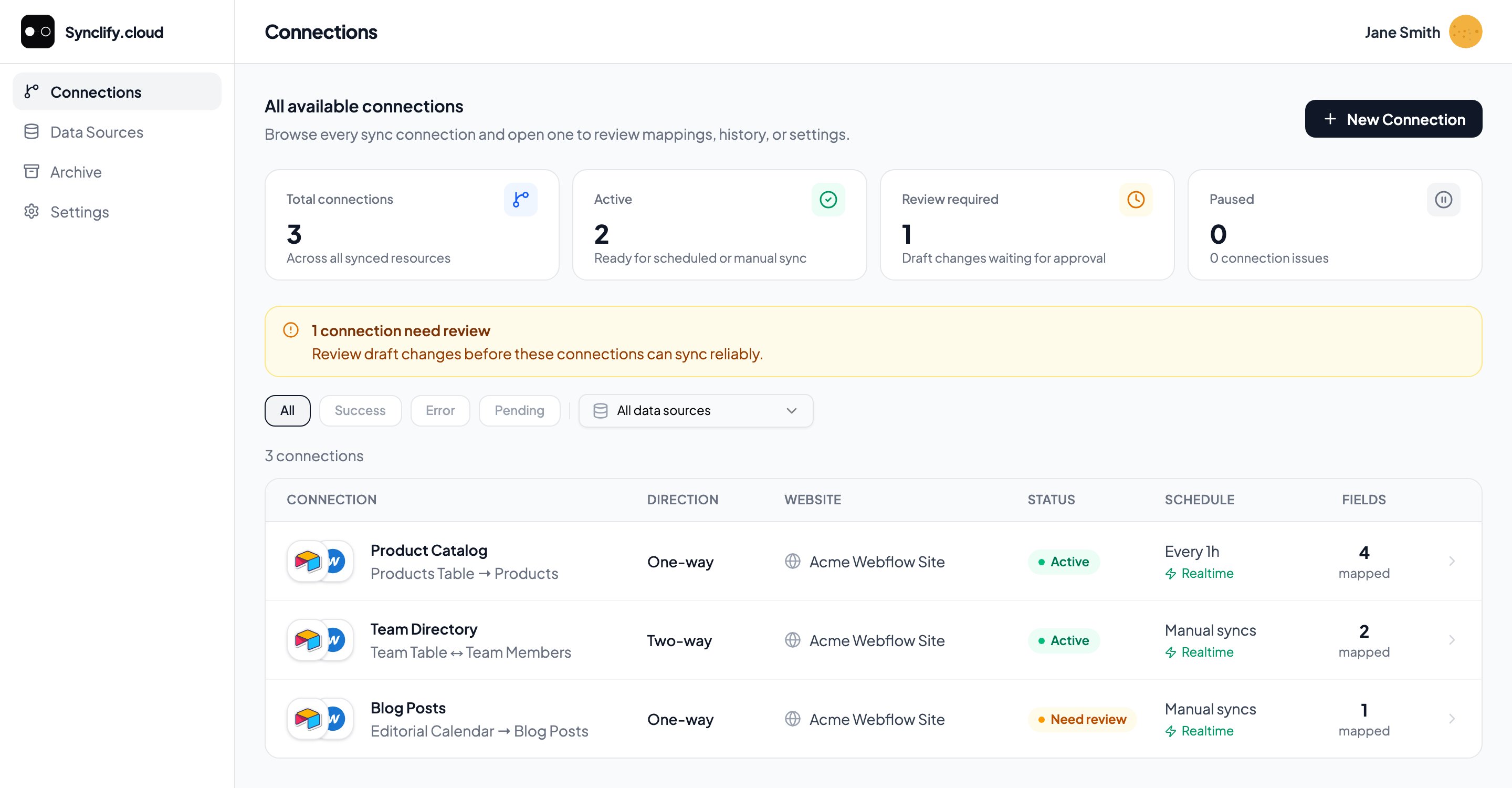
Every source table you sync into Webflow, its direction, schedule, and live status — in one list.
What you can build
One-way publishing
Your source is the single source of truth. Writers work in Airtable; Webflow mirrors it.
Two-way collaboration
Designers edit copy in Webflow, writers edit in Airtable. Synclify keeps both aligned, field by field.
Realtime updates
Synclify watches your source for changes and runs a sync as soon as it detects one.
Safe first launch
Guided setup pairs existing records, surfaces conflicts, and previews every write before anything changes.
How it fits together
Three things make up every Synclify setup:1
Data sources
The accounts you connect. Webflow is always the destination. Airtable is the source. See Connect Webflow and Connect Airtable.
2
Connections
One source table bound to one Webflow CMS collection, with a field mapping, a sync direction, and a schedule. A connection is the unit you create, activate, pause, and delete.
3
Syncs
Each run of a connection. Triggered by a source change (realtime), on a schedule (fallback scan), or by you (manual).
Start here
Quickstart
Go from a fresh account to a live connection.
How Synclify works
Identity fields, sync direction, and field ownership.
Workspace health
Everything needing attention across connections and accounts, worst first.
Security settings
Two-factor, review policy, kill switches, and support access.
Google Sheets and Notion are in development and appear in the app marked Coming soon. Airtable is the supported source today.