> ## Documentation Index
> Fetch the complete documentation index at: https://docs.synclify.cloud/llms.txt
> Use this file to discover all available pages before exploring further.
# Synclify
> Keep your Webflow CMS in sync with the tools your team already works in.
Synclify connects the tools your team writes content in to the Webflow CMS collections your site renders. Edit a row in Airtable, and the matching Webflow CMS item updates — usually within seconds, without anyone opening the Webflow Designer.
 ## What you can build
Your source is the single source of truth. Writers work in Airtable; Webflow mirrors it.
Designers edit copy in Webflow, writers edit in Airtable. Synclify keeps both aligned, field by field.
Synclify watches your source for changes and runs a sync as soon as it detects one.
Guided setup pairs existing records, surfaces conflicts, and previews every write before anything changes.
## How it fits together
Three things make up every Synclify setup:
The accounts you connect. Webflow is always the destination. Airtable is the source.
See [Connect Webflow](/data-sources/connect-webflow) and [Connect Airtable](/data-sources/connect-airtable).
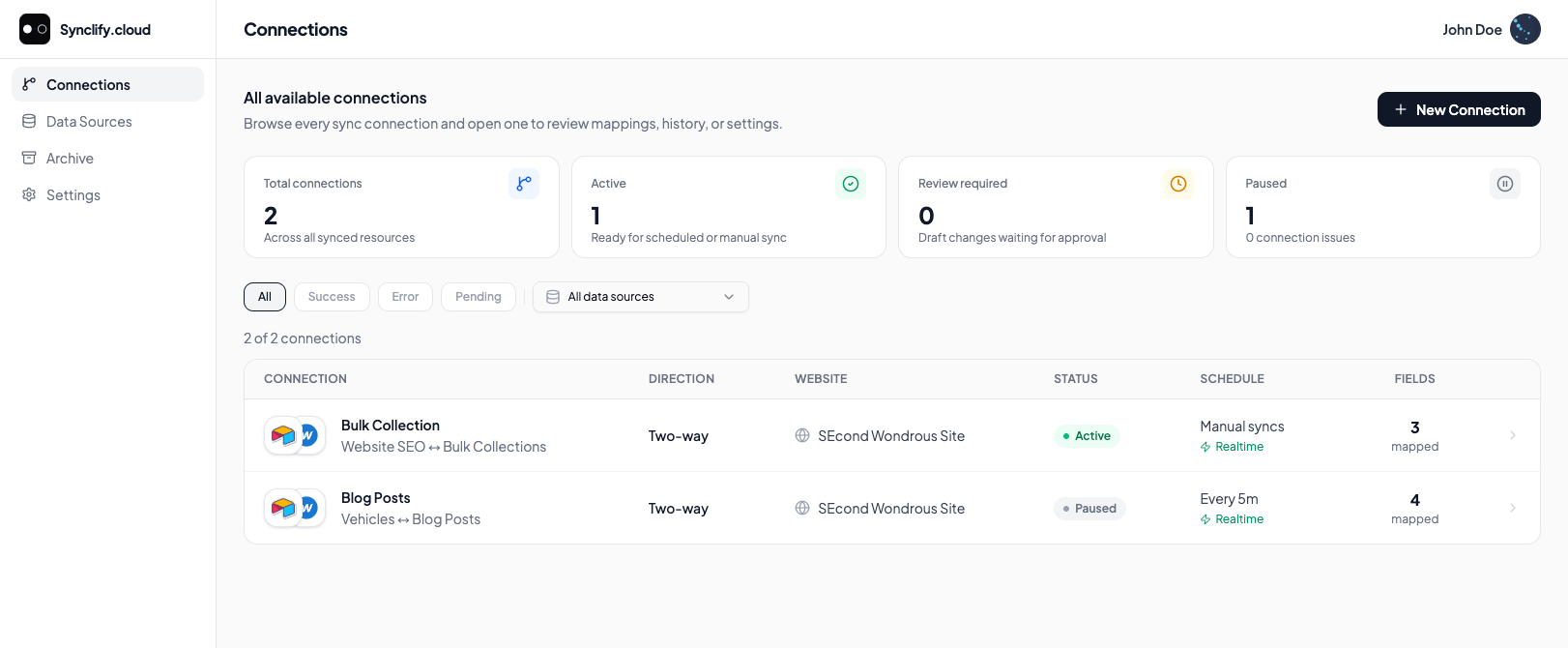
One source table bound to one Webflow CMS collection, with a field mapping, a sync direction, and a schedule. A connection is the unit you create, activate, pause, and delete.
Each run of a connection. Triggered by a source change (realtime), on a schedule (fallback scan), or by you (manual).
## Start here
Go from a fresh account to a live connection.
Identity fields, sync direction, and field ownership.
Google Sheets support is in development and appears in the app marked **Coming soon**. Airtable is the supported source today.
## What you can build
Your source is the single source of truth. Writers work in Airtable; Webflow mirrors it.
Designers edit copy in Webflow, writers edit in Airtable. Synclify keeps both aligned, field by field.
Synclify watches your source for changes and runs a sync as soon as it detects one.
Guided setup pairs existing records, surfaces conflicts, and previews every write before anything changes.
## How it fits together
Three things make up every Synclify setup:
The accounts you connect. Webflow is always the destination. Airtable is the source.
See [Connect Webflow](/data-sources/connect-webflow) and [Connect Airtable](/data-sources/connect-airtable).
One source table bound to one Webflow CMS collection, with a field mapping, a sync direction, and a schedule. A connection is the unit you create, activate, pause, and delete.
Each run of a connection. Triggered by a source change (realtime), on a schedule (fallback scan), or by you (manual).
## Start here
Go from a fresh account to a live connection.
Identity fields, sync direction, and field ownership.
Google Sheets support is in development and appears in the app marked **Coming soon**. Airtable is the supported source today.